About This Session
See how to run a Notion workspace with AI, Agents, and connectors, using databases, templates, and a content calendar.
Show Notes
In this session, Tim Cakir, our CEO, showed how he runs AI Operator’s workspace in Notion, with practical examples of using Notion’s AI, Agents, and connectors to automate marketing, content production, and team workflows.
We covered:
- Databases and views,
- Our content calendar,
- Notion Agents,
- Context engineering (templates, brand/ICP docs)
- Connectors to Slack/Gmail/Drive.
Tim demoed some practical use cases: YouTube scripts, lead-magnet audits, automated weekly reports, and building a landing page.
Main takeaways:
- Store clear context (templates & brand guides),
- Automate repeat workflows with Notion Agents,
- Connect your tools for up-to-date answers,
- Start small (document 2–3 high-value processes)
- Set ownership/governance so AI outputs land where teams can act.
Hosted By
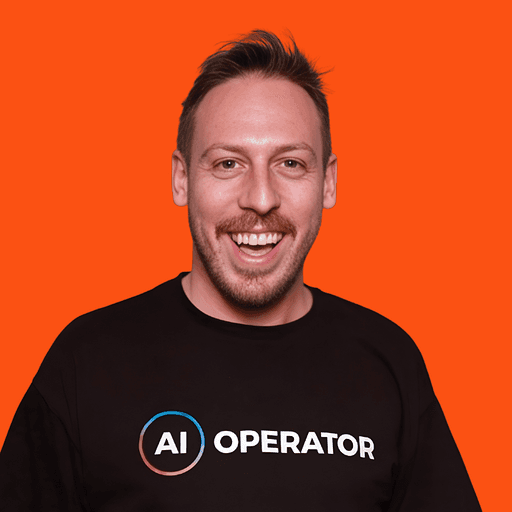
Founder, AI Operator
Tim hosts live workshops, demos, and training sessions on AI transformation, the ADOPT Method™ and practical strategies for building Human + AI teams.
Want to Apply These Insights?
Learn how the ADOPT Method™ applies behavioral science to achieve lasting AI transformation.